Digital Software
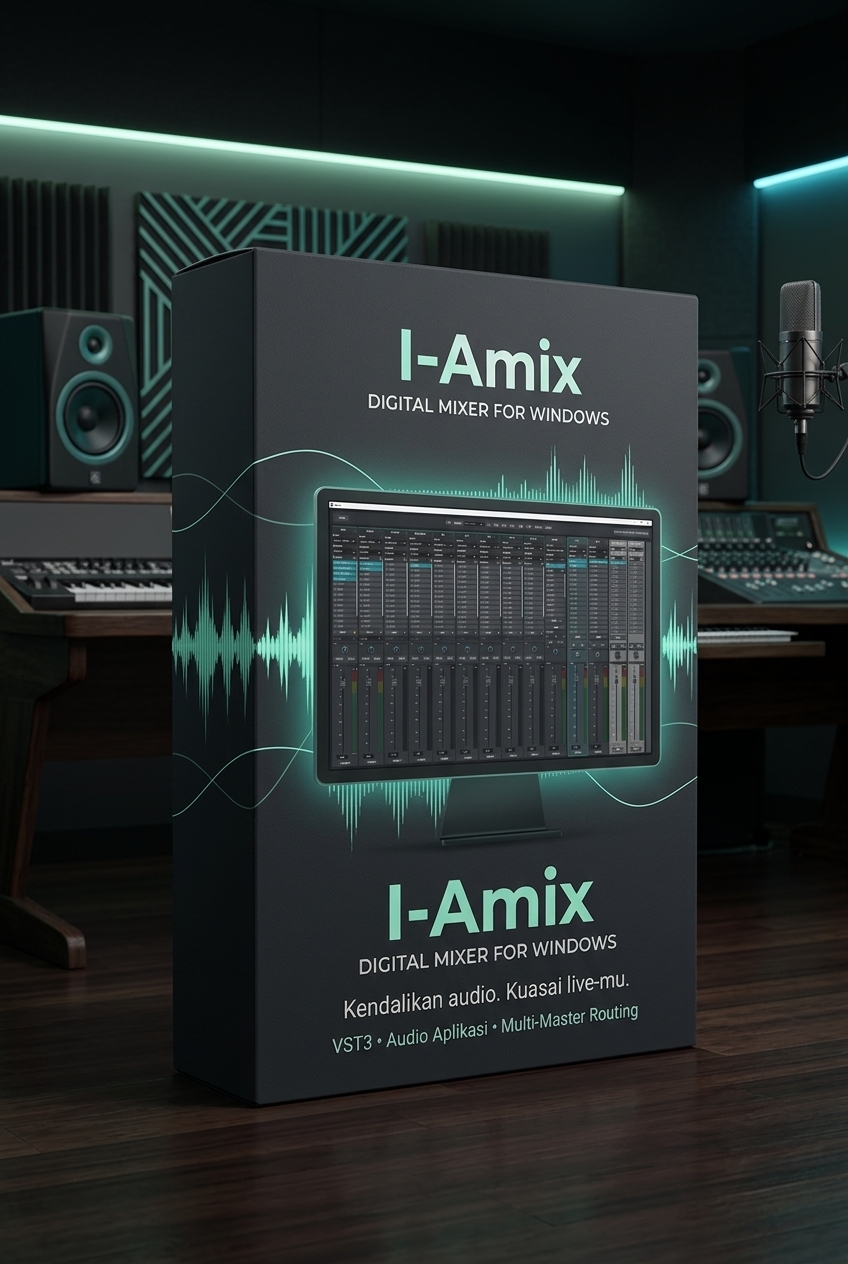
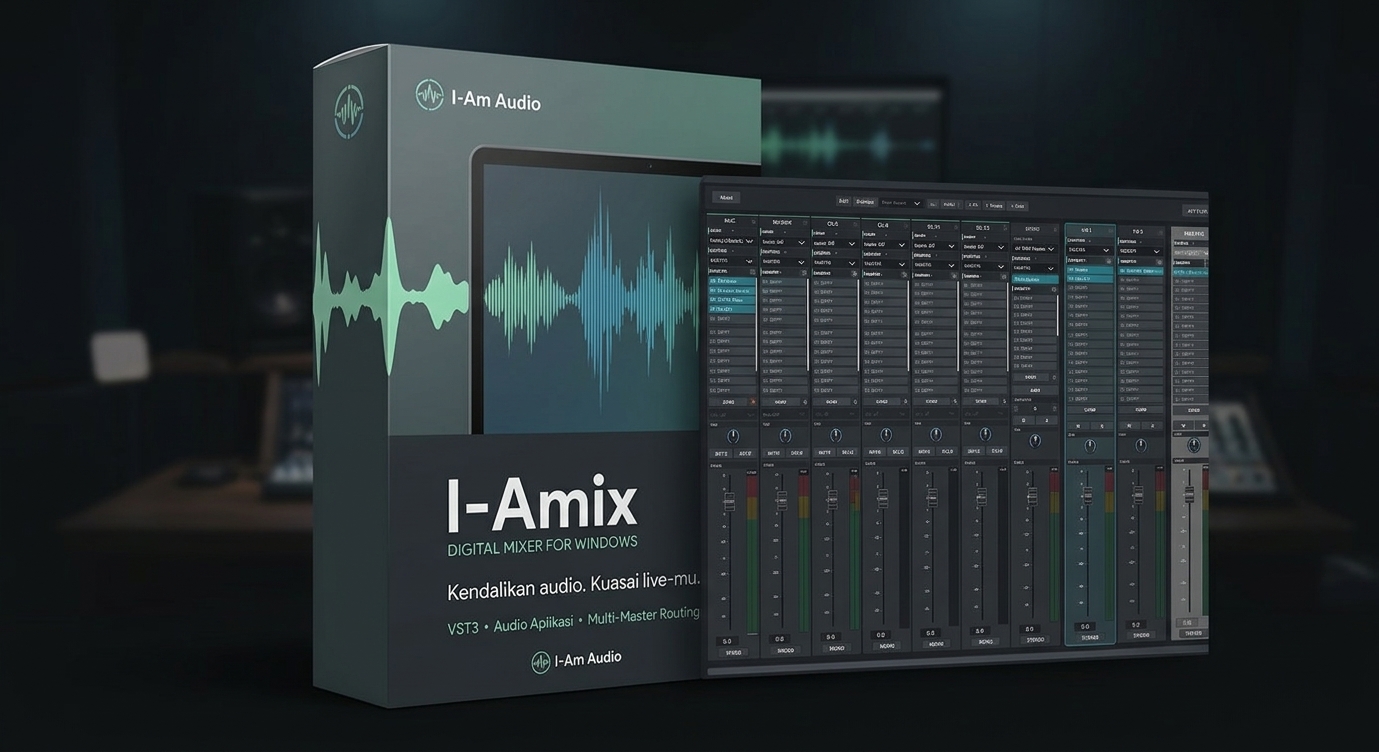
I-Amix
Create and control live-stream audio mixes with I-Amix, a digital audio mixer for Windows. Combine microphones, application audio, instruments, and effects in one mixer, then route the mix to the device or audio path used by your streaming software.
IDR 25,000
IDR 150,000
- Windows
- VST3
- Multi-master routing
Who It's For
- Adjusting microphone and application audio levels during live streams.
- Mixing browser audio, music, instruments, and other sound sources.
- Adding channel effects such as Equalizer, Compressor, Gate, Limiter, and Reverb.
- Creating audio routing to suit your production and streaming setup.
Key Features
- Up to 128 audio channels and 8 VST3 instrument channels.
- Application audio input, such as a browser or Spotify, via WASAPI process loopback.
- Application input choices are saved by executable and automatically reconnected when the application reopens.
- Supports ASIO, WASAPI, and DirectSound audio devices.
- FX returns, group buses, and up to 8 masters.
- Presets, automatic session saving, Undo/Redo, MIDI Learn, and keyboard shortcuts.
What's Included
- The I-Amix application for Windows and a PDF user manual.
Requirements & Notes
- For Windows only.
- Third-party plugins are not included.
- Application audio capture requires Windows 10 build 20348 or later. Audio routed exclusively through ASIO cannot be captured with this feature.
- Audio device and VST3 plugin compatibility depends on your drivers and system.
Read the included user manual for instructions on using and setting up I-Amix.
Live Streaming Note
I-Amix is an audio mixer, not a streaming application, and it does not integrate directly with OBS. Sending the mix to streaming software requires a compatible device or audio path, such as a virtual audio device, plus routing configuration in Windows and the streaming software.